三星UR55(U28R55)拆解教程 disassembly guide
1、首先,将显示屏朝下放于平面上。若地面不够平或有沙子,桌子太小就放在床上
Firstly, place the monitor on a flat surface, screen towards the bottom. If your desk is too small, floor is uneven/having sands, just please the monitor on your bed

2、找到屏幕下方,一共有四个槽,如图:
Find a total of 4 slots in the bottom of monitor as image:

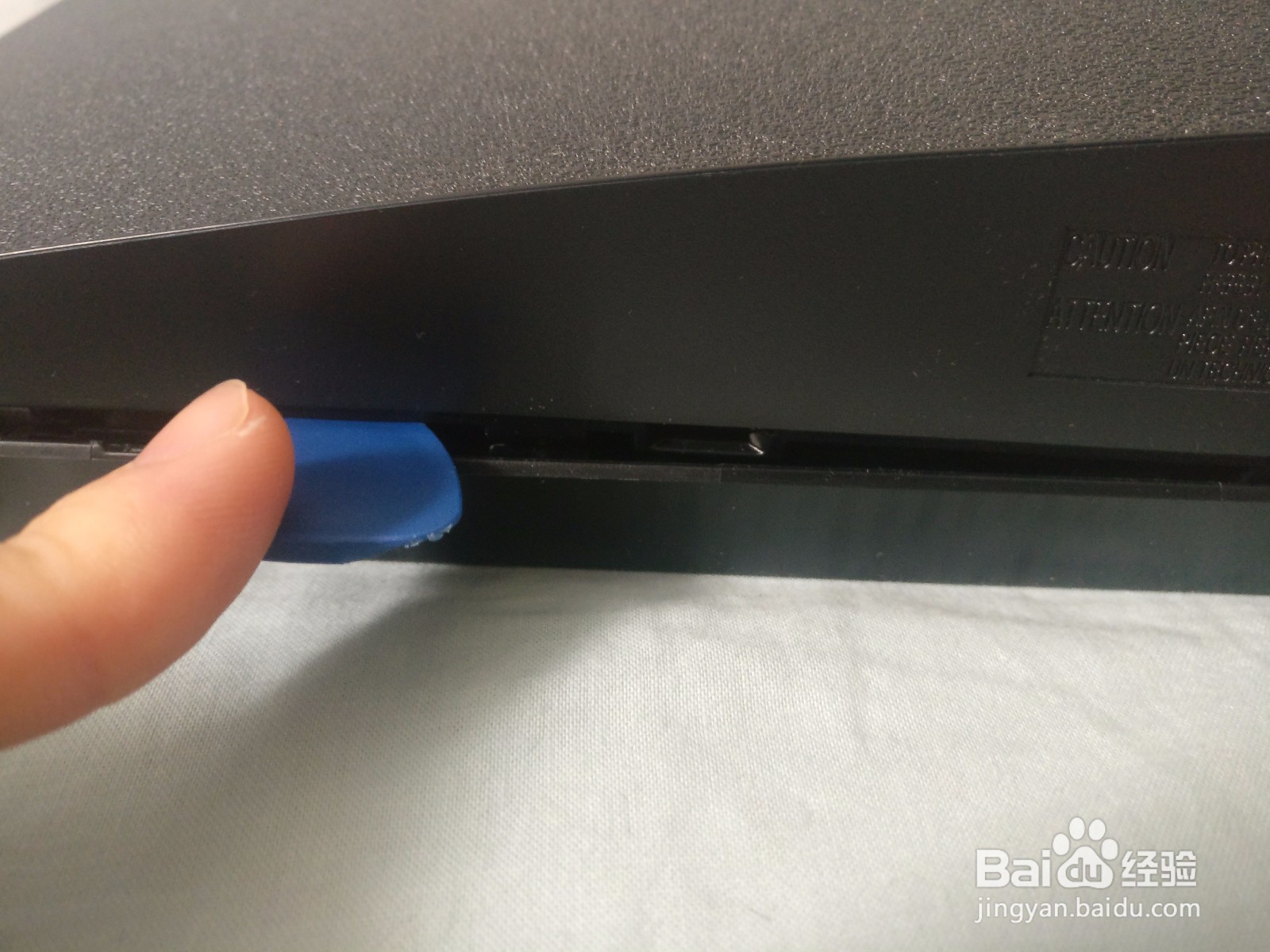
3、将撬片(不要用螺丝刀或硬的东西)斜插入每个槽,注意图2中标注的深度
Carefully plunge the prying piece into each slot, make sure the depth is about as the 2nd image


4、然后上撬,底部的所有卡扣就会打开,打开后的缝如图:
and then lift up, and all the hooks in bottom would open, leaving a caveat as image shows

5、将两侧分别稍用力掀开几个卡扣,然后抬起整个背面壳,拆解就完成了。剩下的部分用螺丝刀就可以拆下来
Apply some lift forces on each side, and then lift the complete back shell, the disassembly is done. The rest part can be removed with screw driver


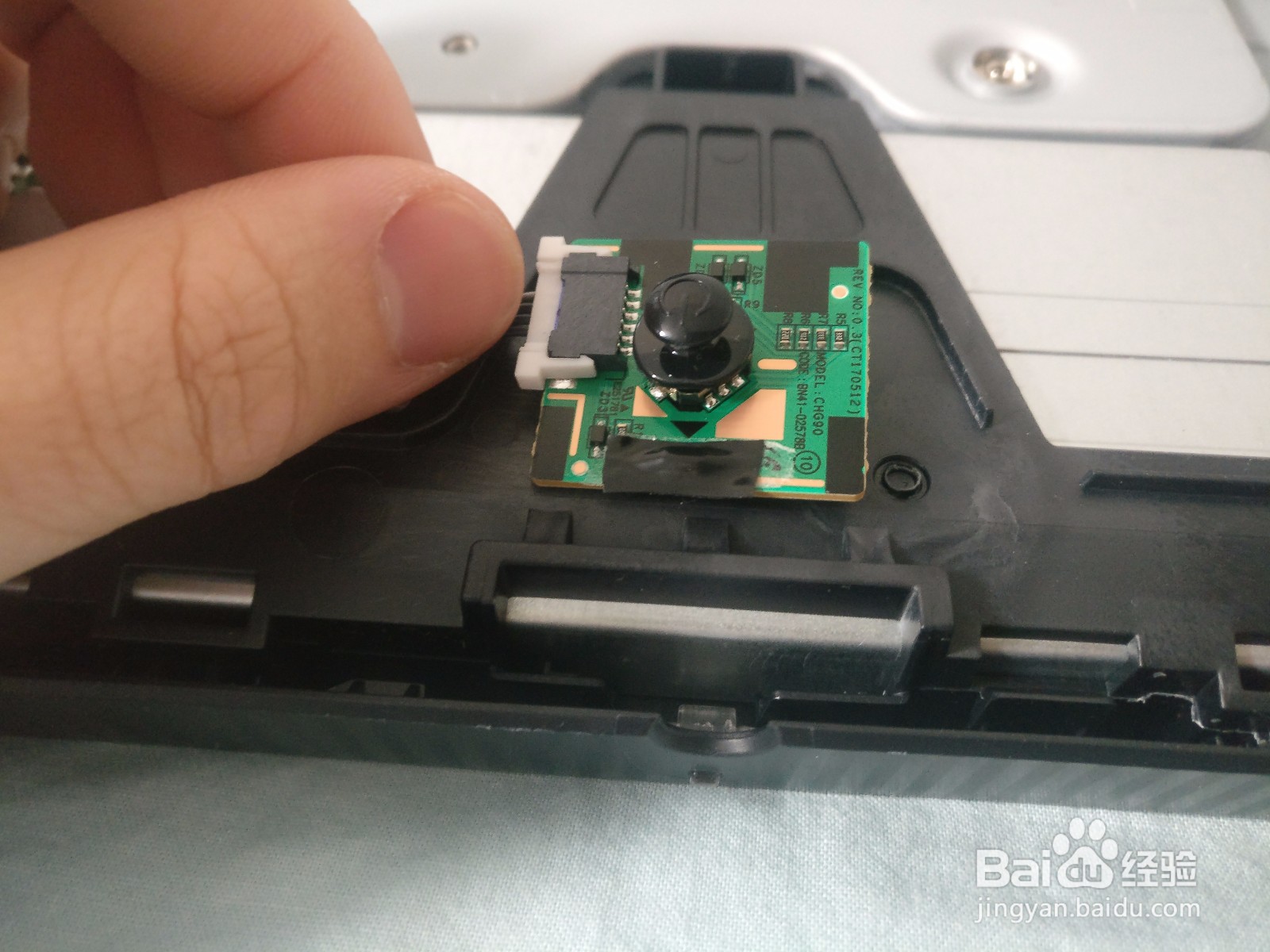
1、将任何黑色胶带覆盖在拨杆下方,如图中黑色三角指向的LED灯上,待机灯就不会再亮了
Apply any black colored tape on the LED below the jog button, pointed by a black triangle as in image, the standby light will no longer light up again